
TradingView Review 2026: Charting Software, Plans and an Official MCP Server
TradingView is a charting and market-data platform for web, desktop and mobile: Supercharts, screeners, alerts, the Pine Script language, broker connections and, new this year, an official MCP server that lets Claude, ChatGPT and other AI assistants read your watchlists and market data. A free plan exists; paid plans run $14.95 to $239.95 a month, or $12.95 to $199.95 a month billed yearly. This is a review of the software, not of any investment or trading approach. It checks TradingView's pricing page, terms and help center as of Oct 5, 2026.

| Made by | TradingView, Inc. |
| Platforms | Web, desktop, iOS, Android |
| Free plan | $0 forever, no card |
| Cheapest paid | $14.95/mo Essential, or $12.95 billed yearly |
| App Store (US) | 4.84 from 415,663 ratings |
The most widely used charting app for a reason, with a steep price ladder. Pick the plan by the chart features you actually use.
"Start free, and upgrade only when you hit a specific limit: more charts per layout, more indicators, more alerts or a chart type like volume footprint. For AI users, the official MCP server is a real reason to pay for Essential."
Here is how I read it. TradingView's charts are polished and fast for most people, its app ratings are excellent, and the plan ladder is clear: each tier raises charts per tab, indicators per chart, historical bars and alerts, and unlocks advanced chart types. The official MCP server, included from Essential, lets AI assistants pull price history, economic series and watchlists. The weak spots are commercial and service-related: refund rules differ between the pricing FAQ and the terms, Trustpilot shows TradingView's rating as unavailable and its recent reviews are mostly negative about bugs and support, and real-time exchange data costs extra. This is an editorial review of the software based on TradingView's official pricing page, terms, help center and MCP documentation (as of Oct 5, 2026) and public user reviews; it is not a hands-on test and not investment advice.
Charts, screeners, alerts and scripting in one account across devices.
TradingView's core is Supercharts: interactive charts with drawing tools, built-in and community indicators, and many chart types. Around it sit screeners for stocks, ETFs, bonds and crypto, economic and earnings calendars, alerts, the Pine Script language for custom indicators and strategies, a social network for published ideas, and connections to supported brokers. Everything syncs across the web, desktop and mobile apps.

Map built from TradingView's features page, pricing page, terms and MCP docs, Oct 5, 2026.
The default charting platform for retail traders, with huge app ratings.
"TradingView: Track All Markets", TradingView, Inc.
50M+ downloads, US storefront.
280 reviews in the last 12 months; see below.
"Used by 100 million traders", per TradingView.
| Option | Built around | Trade-off |
|---|---|---|
| TradingView | Charts, community and multi-device sync | Data and advanced tools cost extra |
| Broker platforms | Trading in one broker's account | Charting depth varies |
| Desktop trading terminals | Execution and automation for one broker type | Narrower market coverage |
| Professional terminals | Institutional data and news | Far higher price |
App users rate it highly; Trustpilot reviewers complain about bugs, support and price changes.
A user who changed their mind after upgrading said TradingView refunded the subscription "straight away, no fuss" (Aug 21). Another praised a support agent who sorted out an account opening issue (Aug 31). A long-time user called it expensive but said they are delighted with the charts (Apr 11).
A long-time user said charts need reloading every minute or two and alerts take 45 seconds to register (Sep 27). A Premium subscriber described being stuck in a support chatbot loop while MCP quote requests returned rate-limit errors (Sep 22). Another said FRED economic data was moved behind a paywall without notice (Sep 22).
One reviewer called it good for charting but laggy for trading, especially paper trading (Jul 31). Another said an update removed the Technicals and Forecasts view from the app (Sep 1). A third reported indicators disappearing and prices lagging their broker's (Sep 20).
A free plan and four paid tiers that scale charts, indicators, bars and alerts.
Essential
$12.95/mo billed yearly.
- 2 charts per tab, 5 indicators per chart
- 10K historical bars
- 20 price and 20 technical alerts
Plus
$29.95/mo billed yearly.
- 4 charts per tab, 10 indicators
- 100 price and 100 technical alerts
- Chart data export, custom formula charts
Premium
$59.95/mo billed yearly.
- 8 charts per tab, 25 indicators, 20K bars
- 400 alerts; alerts that don't expire
- Volume footprint, TPO, second-based intervals
Ultimate
$199.95/mo billed yearly.
- 16 charts per tab, 50 indicators, 40K bars
- 1,000 alerts, tick-based intervals
- Ability to buy professional market data; first priority support
Swipe the table sideways to see every column.
| Limit | Basic (free) | Essential | Plus | Premium | Ultimate |
|---|---|---|---|---|---|
| Monthly / yearly per month | $0 | $14.95 / $12.95 | $34.95 / $29.95 | $69.95 / $59.95 | $239.95 / $199.95 |
| Charts per tab | 1 | 2 | 4 | 8 | 16 |
| Indicators per chart | 2 | 5 | 10 | 25 | 50 |
| Historical bars | 5K | 10K | 10K | 20K | 40K |
| Parallel chart connections | 2 | 10 | 20 | 50 | 200 |
| Price / technical alerts | 3 / none | 20 / 20 | 100 / 100 | 400 / 400 | 1,000 / 1,000 |
| Watchlist alerts | None | 0 | 0 | 2 | 15 |
| Saved chart layouts | 1 | 5 | 10 | Unlimited | Unlimited |
| Alert duration | 1 month | 2 months | 2 months | No expiry | No expiry |
Swipe the table sideways to see every column.
| Feature | Essential | Plus | Premium | Ultimate |
|---|---|---|---|---|
| No ads, Bar Replay, volume profile, custom timeframes | Yes | Yes | Yes | Yes |
| Chart data export, custom formula charts, multi-condition alerts | No | Yes | Yes | Yes |
| Intraday Renko, Kagi, Line Break, Point and Figure | No | Yes | Yes | Yes |
| Volume footprint, TPO, volume candles, auto chart patterns | No | No | Yes | Yes |
| Alerts that don't expire, second-based intervals | No | No | Yes | Yes |
| Tick-based intervals, ability to buy professional market data, first priority support | No | No | No | Yes |
| Check you can do | Result (our calculation) |
|---|---|
| Essential, yearly vs monthly | $155.40 vs $179.40 a year: save $24 (about 13%) |
| Premium, yearly vs monthly | $719.40 vs $839.40 a year: save $120 (about 14%) |
| Ultimate, yearly vs monthly | $2,399.40 vs $2,879.40 a year: save $480 (about 17%) |
| Real-time exchange data | Extra cost per exchange, on top of a paid plan or trial |
Decide by the specific limit you keep hitting, not by ambition.
The free plan.
Essential.
Plus.
Premium.
Ultimate is the only plan for professionals.
Budget for the separate data fee.
Many chart types, with the advanced ones gated by plan.
Supercharts support standard chart types such as candles and bars, custom range bars and custom timeframes on every paid plan, with drawing tools, Bar Replay to step through past price action, and indicators on indicators. Higher tiers unlock intraday Renko, Kagi, Line Break and Point and Figure (Plus), and order-flow style views like volume footprint and TPO (Premium). Pine Script lets you write your own indicators and strategies in a cloud editor.


TradingView's own tour of the chart interface. Published Jul 7, 2026.
From the official TradingView YouTube channel (youtube.com/@TradingView). Vendor video; shows the software, not a trading result.
- Polished charts on web, desktop and phone.
- Clear plan ladder by limits.
- Pine Script and a large community library.
- Performance on your devices during busy markets.
- Which chart types your plan includes.
- Whether your data is delayed or real-time.
Watchlist, chart, alert, review.

Alerts scale with the plan; the official MCP server brings TradingView into AI assistants.
TradingView's MCP server, at mcp.tradingview.com, connects Claude, ChatGPT, Codex and other MCP clients through OAuth sign-in with your TradingView account, with no API keys. Its documentation says it is "Included in Essential and above; trial plans don't include MCP access", and that tool calls are rate-limited to about 100 requests per minute per user. Tools include reading and editing watchlists, fetching historical price bars and economic series. Separately, TradingView's terms describe paid "AI Features" such as automated screening and conversational assistance, and warn that AI output "may be inaccurate, incomplete, outdated".
| MCP detail | What TradingView says |
|---|---|
| Plans | Essential and above; not on trials |
| Clients | Claude (web, desktop, mobile, Claude Code), ChatGPT, Codex, any streamable-HTTP MCP client |
| Sign-in | OAuth 2.1 with your TradingView account |
| Rate limit | About 100 requests per minute per user |
| Example tools | Watchlists, historical OHLCV bars, economic indicator series |
Market data is a separate purchase; brokers connect from the chart.
| Area | What TradingView says |
|---|---|
| Extra real-time data | Added per exchange (e.g. NASDAQ, NYSE, CME); requires a paid plan or trial |
| Data on widgets | Extra real-time data works only on the TradingView website, not widgets |
| Brokers | Brokerage integration and a broker comparison section on the site |
| Payments | Major cards, PayPal, Apple Pay, crypto (via Triple-A or Binance Pay); app-store billing on mobile |
| Payment processors | Braintree, Checkout, Razorpay, dLocal, Triple-A; TradingView says it stores no card credentials |
TradingView's walkthrough of the volume footprint chart type. Published May 14, 2024.
From the official TradingView YouTube channel. Vendor tutorial; not trading advice.
Two TradingView pages describe monthly refunds differently.
| Rule | What TradingView says |
|---|---|
| Pricing FAQ | "Refunds are available for annual plans only and must be requested within 14 calendar days of payment"; no refunds for upgrades, monthly plans or market data |
| Terms of use | Annual within 14 days; "Refunds for monthly subscriptions are available only if requested within 7 calendar days after the payment is made" |
| Market data | Annual data refundable within 14 days minus the current month; monthly data non-refundable (terms) |
| Cancelling | Cancel anytime; no auto-renewal after the paid term; a cancelled trial stops immediately |
| Trials | Length "may vary depending on the plan, region, and platform"; converts to paid unless cancelled; usable once |
| Mobile purchases | Refunds follow App Store or Google Play rules |
| Disputes | Users who filed a chargeback or dispute are not eligible for a refund |
Educational software with strong disclaimers and an arbitration clause.
| Topic | What TradingView says |
|---|---|
| Not advice | Content is general market information "for educational and entertainment purposes only" |
| Risk | Trading leveraged products carries a high degree of risk; you could lose more than your deposit |
| Past performance | "PAST PERFORMANCE IS NOT NECESSARILY INDICATIVE OF FUTURE RESULTS" |
| Disputes | Binding arbitration and class action waiver unless you opt out within 30 days; New York law and courts otherwise |
| AI output | May be inaccurate or outdated; you must verify it |
| Sales tax | May be added depending on your location |
Best for chart-first users who want one platform across devices.
| Situation | Why TradingView fits or not | Likely plan |
|---|---|---|
| Learning to read charts | Free plan, community ideas, education | Free |
| Following a few markets daily | No ads, more indicators, MCP | Essential |
| Writing Pine Script indicators | Cloud editor, more indicators per chart | Plus or Premium |
| Order-flow style analysis | Volume footprint and TPO | Premium |
| Professional user | Only Ultimate is available to professionals | Ultimate |
| Someone seeking trade recommendations | TradingView is software, not advice | Not the right tool |
Six real gaps, not manufactured ones.
Pricing FAQ and terms disagree on monthly refunds.
Real-time exchange data is a separate purchase.
Ultimate is $239.95 a month billed monthly.
Recent reviews describe chatbot loops and slow help.
Rating shown as unavailable for a guideline breach.
Basic allows 1 chart per tab, 2 indicators and 3 price alerts.
JAVIS has no other charting review yet. These cover the AI side.
| If you mostly need... | Compare with... |
|---|---|
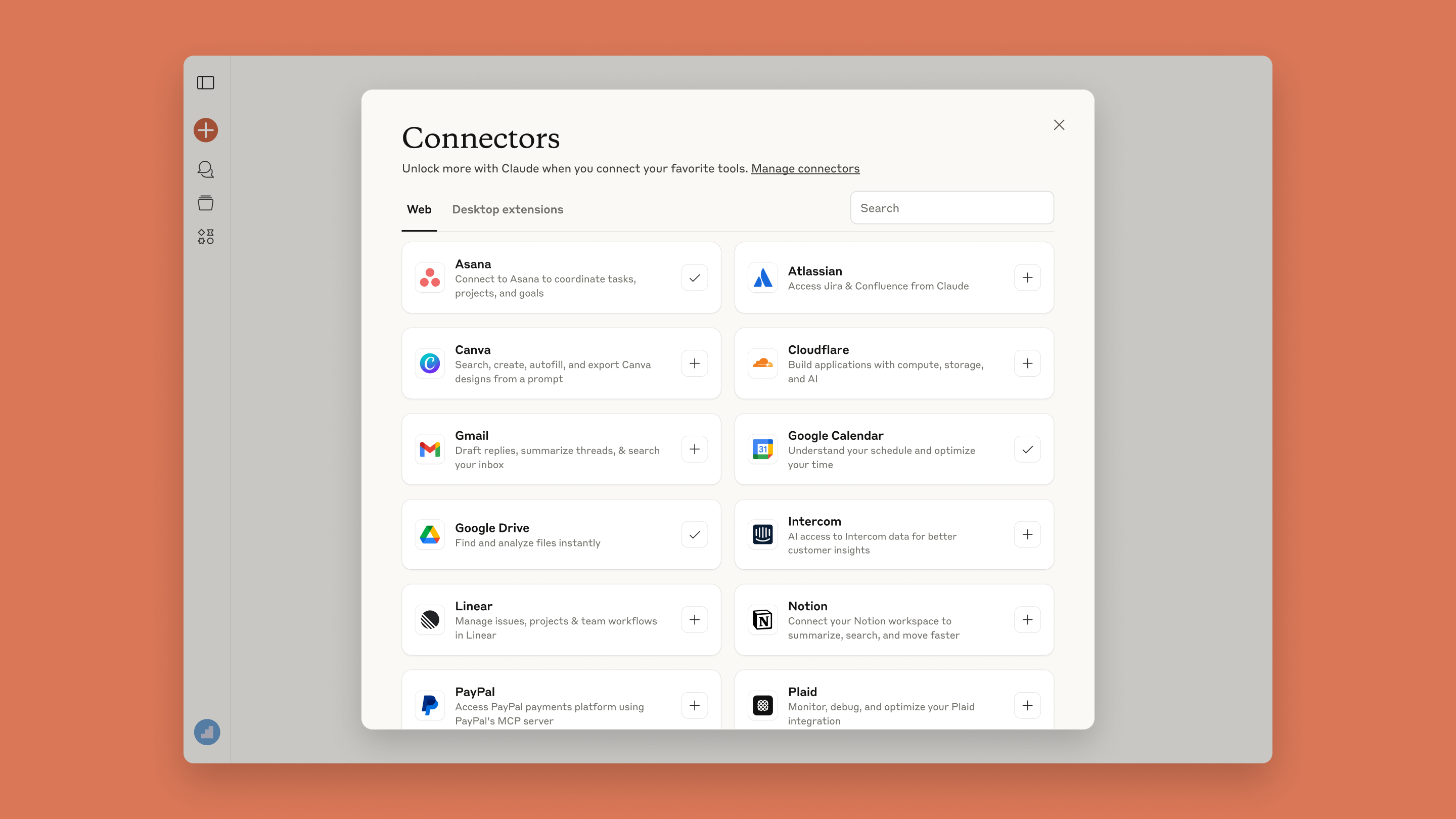
| Connecting TradingView to Claude | Claude MCP and Connectors guide |
| An AI assistant that can use the MCP server | ChatGPT review |
| Researching companies and news with AI | Perplexity review |
| Automating alerts into other apps | Make review |
| Other charting platforms | Broker platforms or desktop terminals (no JAVIS review) |
We may earn a commission. It does not change the facts above.
JAVIS has an approved affiliate relationship with TradingView. If you subscribe through the "Try TradingView free" or "See TradingView plans" links on this page, JAVIS may earn a commission at no extra cost to you. The prices, refund conflict, user complaints and risk notices above come from TradingView's own pages and public reviews, and would read the same without that relationship. Nothing here is investment advice.
Start on the free plan; no card needed.
Open TradingViewRead the review that matches your real question.
Choose the next articleTradingView now plugs into AI assistants. These reviews cover that side.



.jpg)
Questions people are actually asking
Is TradingView free?
Yes. The Basic plan is "$0 forever" with no credit card, with 1 chart per tab, 2 indicators per chart, 5K historical bars and 3 active price alerts; paid plans raise these limits.
How much does TradingView cost in October 2026?
Essential $14.95 a month ($12.95 billed yearly), Plus $34.95 ($29.95), Premium $69.95 ($59.95) and Ultimate $239.95 ($199.95); sales tax may be added.
Can I get a refund?
Annual plans within 14 days. For monthly plans the pricing FAQ says no, while the terms allow a request within 7 days; confirm with support.
Does TradingView have an MCP server?
Yes, an official one for Claude, ChatGPT and other MCP clients, included in Essential and above but not on trials.
Is real-time data included?
Extra real-time data for exchanges is purchased separately and requires a paid plan or trial.
Can professionals use Plus or Premium?
No. TradingView says only the Ultimate plan is available for professional users.
Is TradingView investment advice?
No. TradingView says its content is for educational and entertainment purposes only, and this review is not investment advice either.
How long is the free trial?
TradingView's terms say the trial length may vary by plan, region and platform and is shown at sign-up.
Where this came from, and when it was checked.
Pricing and plans: tradingview.com/pricing (monthly and annual prices, plan cards, the Compare plans table and FAQ), as of Oct 5, 2026.
Terms and risk: TradingView terms of use and policies (refunds, trials, AI Features, arbitration, governing law) and the TradingView disclaimer.
Product: TradingView features page and MCP Server documentation (tradingview.com/mcp/docs).
Users: Apple App Store (US storefront: 4.84 from 415,663), Google Play (US storefront: 4.6 from 951K, 50M+) and Trustpilot's page for tradingview.com (rating unavailable; 1 and 2-star and 5-star filters; dates in UTC), as of Oct 5, 2026.
Official videos: youtube.com/watch?v=cI1roybtV58 and 0WggFVVsmkM from the official TradingView channel.
JAVIS Fit Score (76/100), software only: charting depth and cross-device experience (strong), app ratings (strong), MCP and AI access (good), price ladder and extra data costs (mixed), refund clarity (weak), support reputation (weak). Weighted by editorial judgement; not a measure of any trading outcome.