
Canva AI Review 2026: The Everyday Design Suite Becomes a Conversation — With an AI Allowance to Watch
Canva AI is the AI layer inside Canva’s design suite: Canva AI 2.0 for chat-based design, tools like Magic Layers and Magic Write, Canva Code for interactive pages, and connectors that let ChatGPT, Claude, Gemini, Copilot and Meta’s Muse create Canva designs. Its US pricing page now lists Free, Pro at $144 a year, Business at $250 a year per person and Enterprise, with AI metered by tier, and Canva launched the ProSuite of Affinity, Cavalry, Flourish and Leonardo on September 16. This review checks that against Canva’s own pages and sets it beside Trustpilot, the App Store, The Verge and Hacker News.
| Free tier | Yes — up to 20 AI uses a month |
| Cheapest paid plan | From $144/year (Pro) |
| AI | Canva AI 2.0, Code, connectors |
| App Store | 4.9/5 (3.6M) |
| Trustpilot | 4.0/5 (7,528 reviews) |
Canva AI is the easiest way for non-designers to get AI inside the design tool they already use — but the AI is metered, and “2.0” is still labeled coming soon in places.
“Canva spent 2026 turning from a template library into something you talk to. Canva AI 2.0 was introduced at Canva Create on April 16, a ProSuite of Affinity, Cavalry, Flourish and Leonardo followed in September, and Canva now plugs into ChatGPT, Claude, Gemini, Copilot and Meta’s Muse. The breadth is the point. The catches are an AI allowance you have to budget, a pricing page with Free, Pro, Business and Enterprise tiers, and an AI feature that once rewrote a word in users’ designs.”
This is a VERIFIED EDITORIAL REVIEW: Canva’s pricing page, Canva AI page, newsroom, help center, developer docs and YouTube channel, plus Trustpilot, the App Store, The Verge and Hacker News, all read on October 3, 2026. I did not build designs in Canva for this article, so I make no claims about how fast or good the output is.
If you make social posts, decks and flyers and want AI help without learning a new tool, Canva AI is the safest bet in this category. If you want one precise, art-directed image, a dedicated image generator will probably do better. If your company has legal or brand-safety rules, read the security section: indemnification and admin controls are tied to Enterprise.
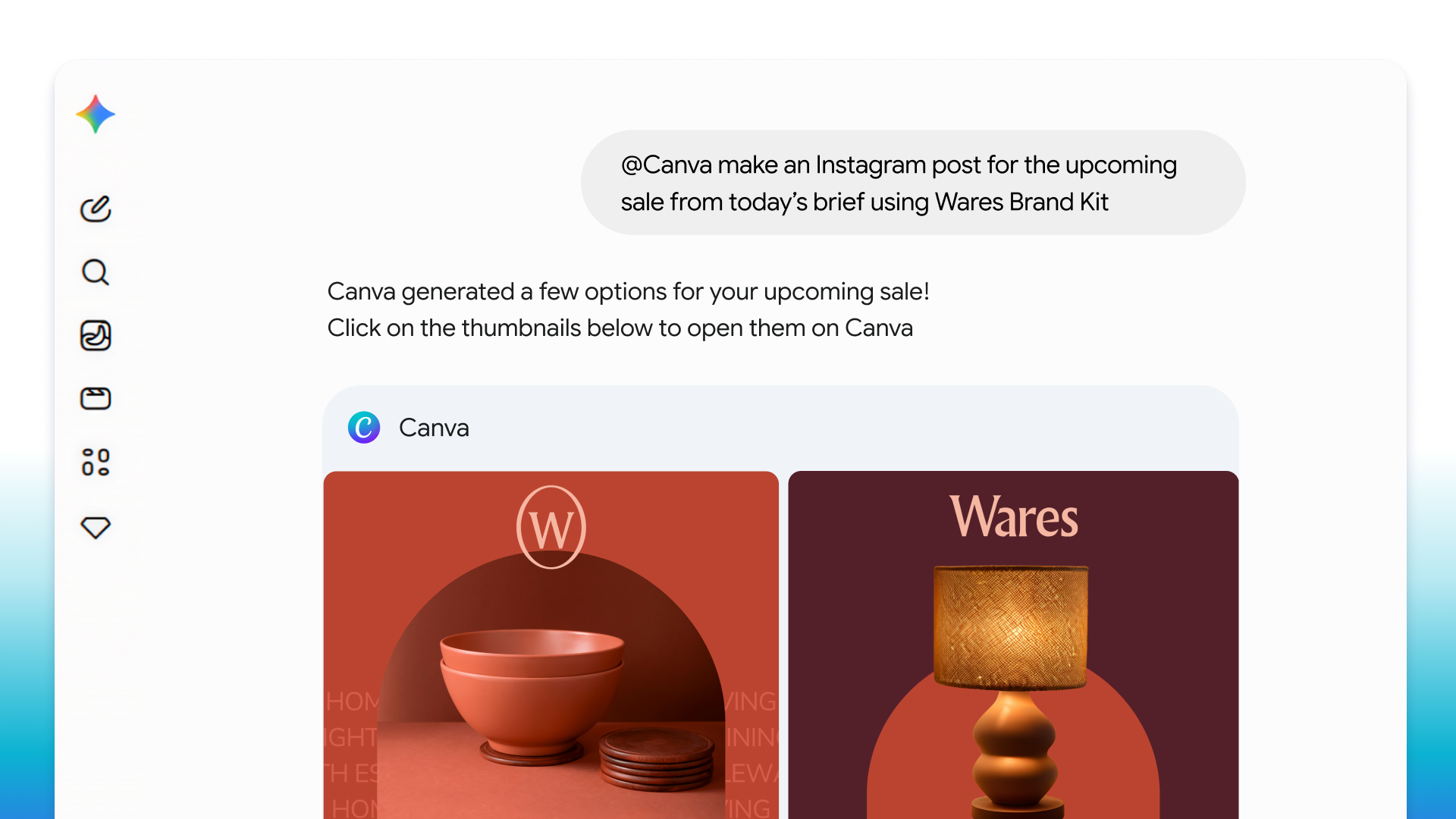
An AI layer across docs, decks, video, websites, photos and code, with connectors out to the assistants you already use.
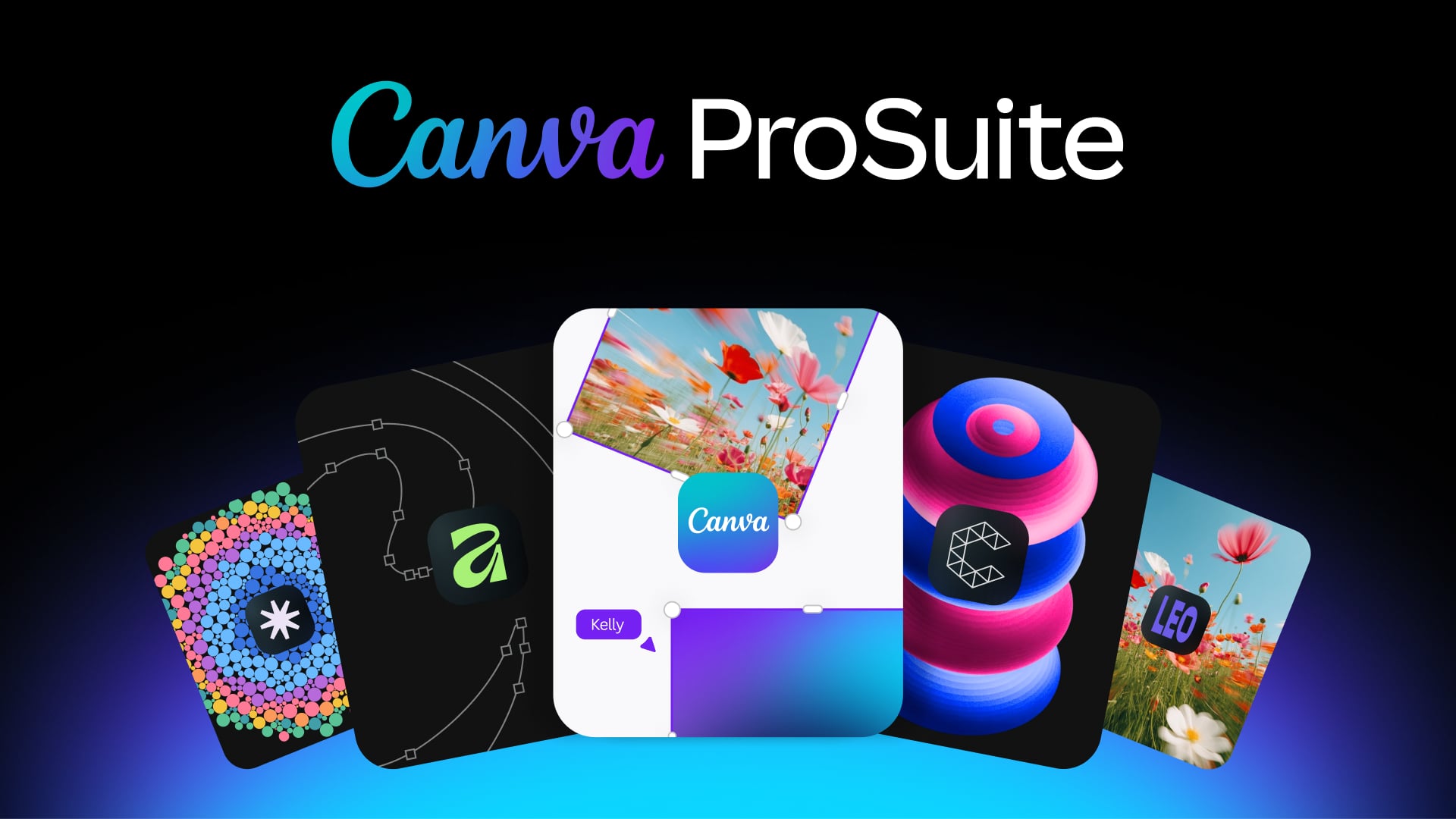
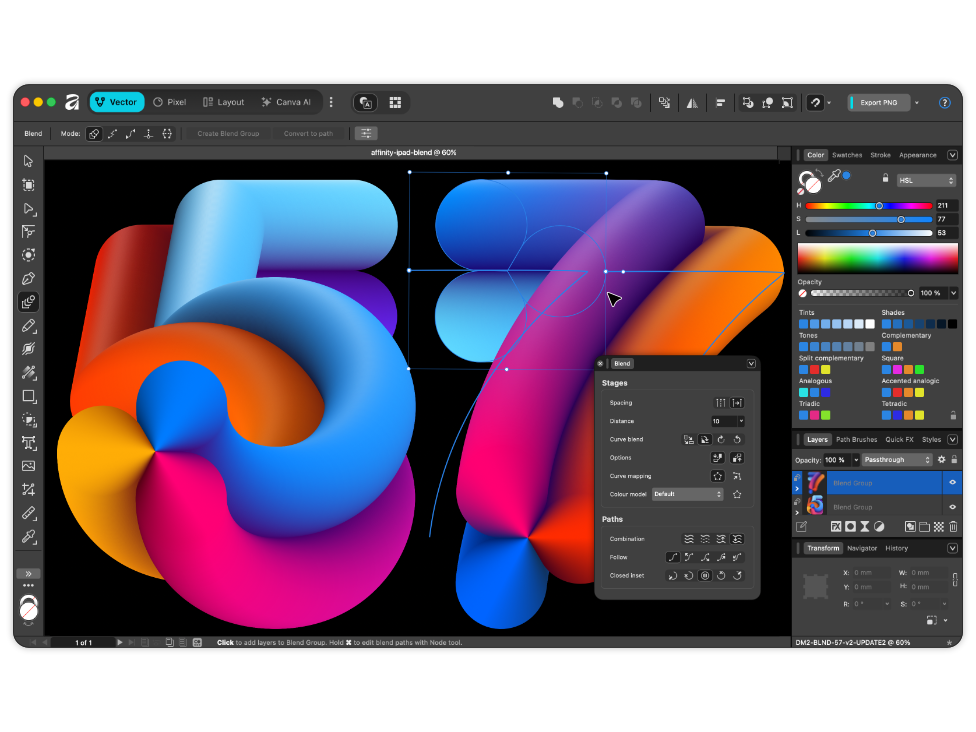
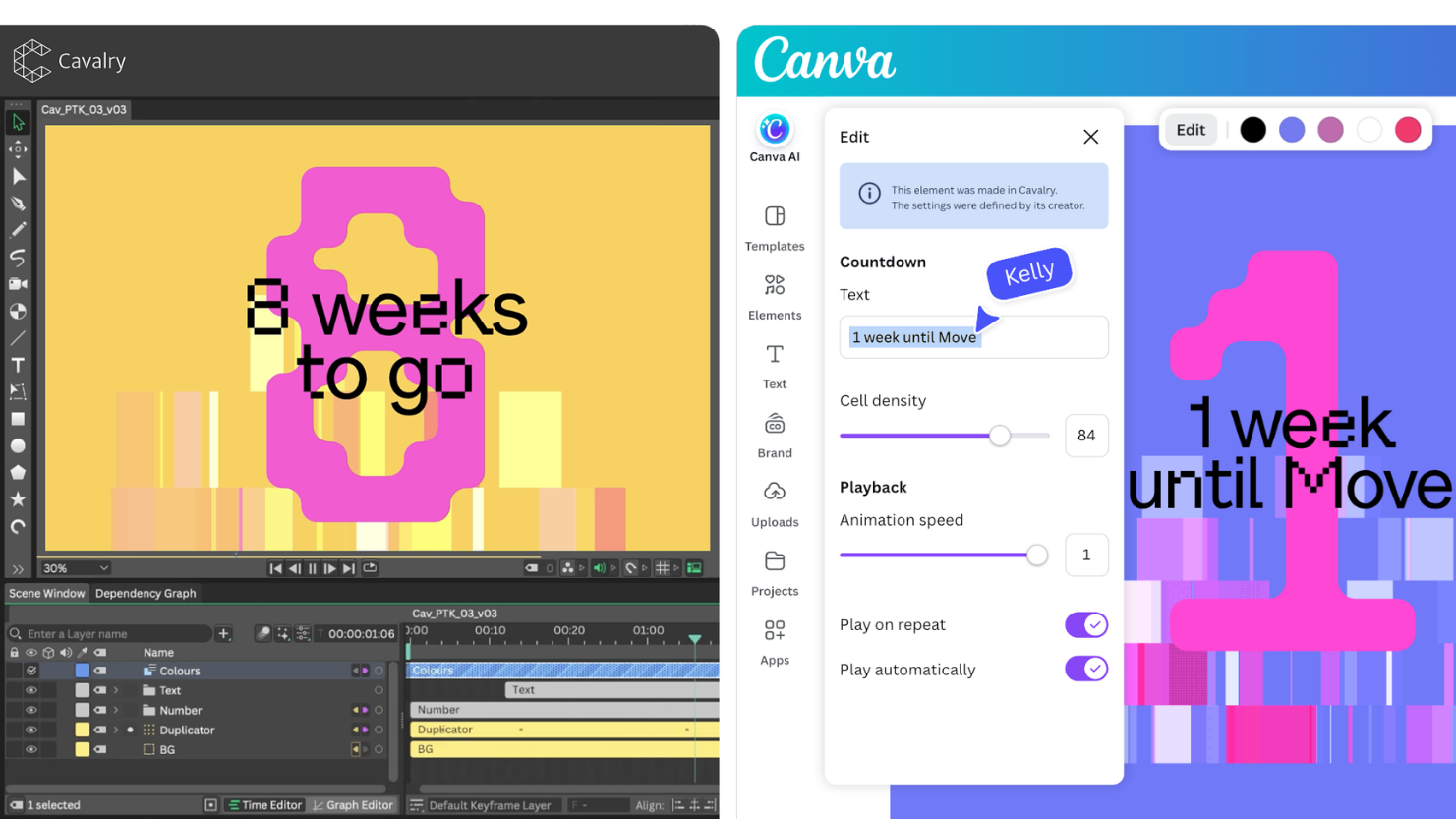
Canva describes its Visual Suite as one platform for Docs, Sheets, Whiteboards, Presentations, Social, Photo Editor, Video, Print and Websites. Canva AI runs through all of it: a conversational assistant (Canva AI 2.0) reachable from the Canva homepage or the AI button in the editor, plus point tools such as Magic Layers (turn a flat image into editable layers), Magic Write, Magic Resize and Translate, Style Match, a photo editor, video and music generators, and Canva Code for vibe-coded interactive pages. Behind the free core sit Affinity, Cavalry, Flourish and Leonardo, which Canva grouped on September 16, 2026 as the Canva ProSuite.
The line to remember is the last one. Canva does not count “credits”; it counts uses of Standard, Premium and Ultra AI tools against one shared monthly allowance, and complicated tasks use more of it than simple ones.
A 2013 startup with a quarter of a billion monthly users by its own count, and an AI year that included one very public mistake.
The About page says 220M+ monthly active users; a Jul 14, 2026 newsroom post says “a quarter of a billion people use Canva every month.” Two numbers, same claim, unaudited.
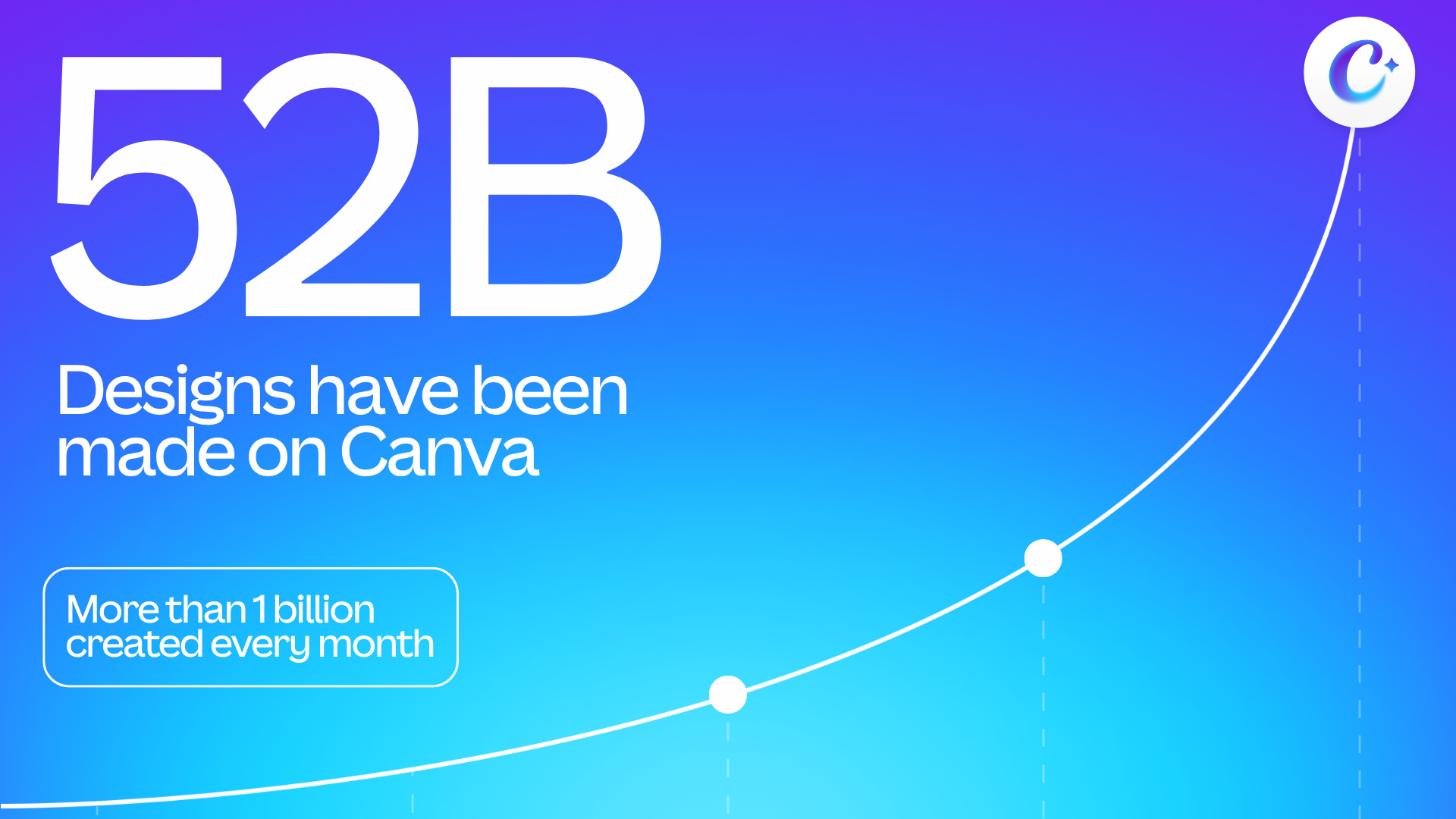
Sep 2, 2026 post: 52B designs made, more than 1 billion created every month. About page still shows an older 30B+.
Canva AI Photo & Video Editor page: 4.9 from 3.6M ratings; Apple’s API gives 4.87 from 3,556,883, which rounds to the same.
Displayed TrustScore. The page’s own star bars (50% five-star, 30% one-star) average about 3.4.
| Date | Event | Source |
|---|---|---|
| 2013 | Canva launches as an online design and publishing tool | Canva About page |
| Mar 19, 2026 | Canva publishes “Introducing Canva Magic Layers” on its channel | Canva YouTube |
| Apr 16, 2026 | Canva AI 2.0 introduced at Canva Create 2026 | Canva YouTube |
| Apr 26-27, 2026 | Magic Layers caught changing “Palestine” to “Ukraine”; Canva apologizes and says it is adding checks | The Verge, Apr 27 |
| Jun 8, 2026 | Magic Layers arrives inside ChatGPT and Gemini | Canva newsroom |
| Jul 14, 2026 | Canva Code 2.0 available to everyone | Canva newsroom |
| Jul 16, 2026 | Canva design creation inside Google Gemini and AI Search | Canva newsroom |
| Sep 2, 2026 | 100+ Visual Suite updates; Canva says Presentations has 100M+ monthly users | Canva newsroom |
| Sep 16, 2026 | Canva ProSuite: Affinity, Cavalry, Flourish and Leonardo as one suite | Canva newsroom |
| Sep 29, 2026 | Canva connector for Muse, from Meta | Canva newsroom |
Loved for ease of use. Criticized for paywalls, billing and support, and for one AI mistake that went viral.
Trustpilot’s own AI summary of recent reviews says people praise the user-friendly interface, abundant free templates and versatile tools, while some dislike confusing navigation and slow or automated support. Written reviews from Sep 30 to Oct 2, 2026 split: one says support answered in under 5 minutes, another calls it “Run by Ai; atrocious customer service” after a charge on a paused subscription, and a third says “Canva was great, until they started paywalling everything.”
The listing shows 4.9 out of 5 from 3.6 million ratings, seller Canva Pty Ltd, free with in-app purchases, and an Editors’ Choice blurb. Written reviews I read are enthusiastic about ease of use and templates. A ratings pool this large mostly reflects casual mobile users, which is a different population from the teams who complain about billing and support on Trustpilot.
The Verge reported that Magic Layers, which splits flat images into editable parts, changed “cats for Palestine” to “cats for Ukraine” in a user’s design. Canva said it moved quickly to fix it, was adding checks and apologized for any distress; The Verge’s own tests did not reproduce it. The Hacker News thread drew 79 points and 31 comments, including a suggestion that a layer-split tool should verify that the layers recompose to the original.
Free to start, $144 a year for Pro, and the AI allowance is the new meter.
Verified on Canva’s pricing page on October 3, 2026, read through a reader service that returned the US page (the page is localized by country, and my own browser view showed a different currency). The US view showed yearly prices: Pro US$144 a year for one person (about $12 a month) and Business US$250 a year per person. I could not read US monthly prices, so I do not state them. Canva’s FAQ also mentions a “Pro Lite” plan that is not listed on the page I read.
Free
1,000+ design types, 1.6M+ templates, 4.7M+ stock assets, 1 Brand Kit (3 colors), 5GB storage, access to Affinity, up to 20 Standard or Premium AI uses a month.
Pro
For one person. 3.6M+ templates, 141M+ premium assets, 5 Brand Kits, social scheduling, 100GB, Affinity with AI. Standard AI tools without drawing the allowance (fair use), up to 200 Premium or 20 Ultra uses a month. Canva AI 2.0 and AI connectors listed as new features.
Business
Adds team admin, 100 Brand Kits with approvals, 500GB, Flourish access, 10% off print, and up to 400 Premium or 40 Ultra AI uses a month. AI Pass add-on and AI top-ups available.
Enterprise
SSO and SCIM, 1,000 Brand Kits with tiered approvals, 1TB storage, Canva Shield AI admin controls and indemnification, priority support. Canva AI 2.0 and AI connectors shown as “Soon” on the pricing page.
AI Pass and top-ups
AI Pass is a recurring monthly add-on for Pro and Business (online subscribers): 40x the Pro allowance or 20x the Business allowance. AI top-ups are a one-time purchase for Business, valid 30 days. Prices not shown on the page I read.
Education and nonprofits
K-12 schools and nonprofits can get most premium features free; nonprofits get a Pro-equivalent team of up to 50 users, per Canva. Eligibility rules apply.
| Plan | Standard AI tools | Premium AI tools | Ultra AI tools |
|---|---|---|---|
| Free | Up to 20 uses (shared) | Up to 20 uses (shared) | Unavailable |
| Pro | No allowance used (fair use) | Up to 200 uses | Up to 20 uses |
| Business | No allowance used (fair use) | Up to 400 uses | Up to 40 uses |
| Enterprise | No allowance used (fair use) | Up to 400 uses | Up to 40 uses |
| If you are... | What verified pricing means | Cheapest sensible path |
|---|---|---|
| Trying AI design for the first time | Free includes up to 20 AI uses a month and 1.6M+ templates | Free ($0) |
| A solo creator posting weekly | Pro unlocks premium assets, Brand Kits and Premium AI at 200 uses | Pro, $144/year |
| A heavy AI user on one seat | AI Pass multiplies the allowance, at a price I could not read | Pro plus AI Pass |
| A small marketing team | Business adds approvals, 100 Brand Kits and 400 Premium uses per person | Business, $250/year per person |
| A company needing indemnity and SSO | Shield indemnification and SSO sit with Enterprise | Enterprise (contact sales) |
Pricing verified Oct 3, 2026. No affiliate link or discount is implied. Prices vary by country and may exclude tax.
Where Canva AI fits in 2026.
Canva AI is built for this. Start on Free, then price Pro.
Compare Midjourney or Ideogram; Canva is a design tool first.
Canva has connectors for both. See the ChatGPT and Gemini reviews.
Canva has a video editor and generator, but compare Descript for spoken-word editing.
Canva supports Claude through its AI connector. See our Claude MCP & Connectors guide.
Talk to the editor, get layered designs on brand, then edit by hand when you want to.
Canva introduced Canva AI 2.0 on April 16, 2026 at Canva Create. Its official launch video lists nine capabilities: design through conversation; agentic orchestration that decides images, text, fonts, colors and layouts; a Memory Library that learns from you; layered object intelligence that outputs fully editable layers; AI connectors to apps such as Slack, Gmail, Google Drive and Calendar; scheduled tasks; web research; brand intelligence; and Canva Code 2.0. Canva’s FAQ says you reach it from the Canva homepage or the AI button in the editor, and that you can chat or edit by hand.
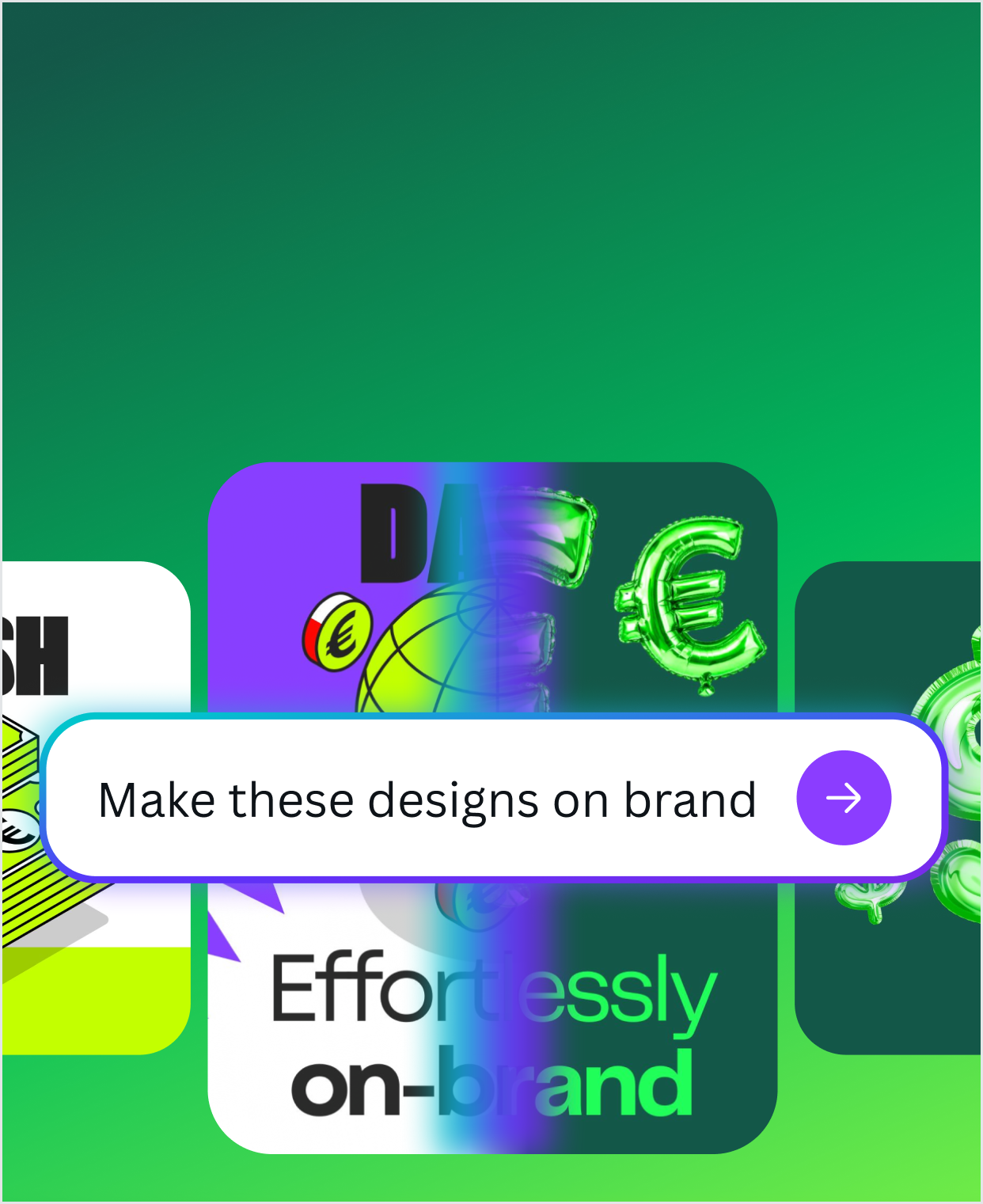
| Capability (Canva AI 2.0) | What Canva says | What I could not verify |
|---|---|---|
| Design through conversation | Chat from the homepage or editor; refine by chat or by hand | Quality on complex briefs |
| Layered output | Every text box, image and graphic stays editable | How reliably text is preserved (see the Magic Layers incident) |
| Brand intelligence | Applies your Brand Kit fonts, colors and rules | Accuracy on strict brand systems |
| Memory Library | Learns from projects and personalizes output | What is stored, for how long, and the controls |
| Connectors, research, scheduling | Pull context from Slack, Gmail, Drive, Calendar; search the web; run tasks on a schedule | Which of these are live today |
| Canva Code 2.0 | Prompt or HTML to editable interactive page; available to all since Jul 14, 2026 | Code quality and security of outputs |
AI sits inside the editor and the connectors, not in a separate app
Layered, brand-aware output is what teams need from AI design
Everyday tools do not draw the allowance, per Canva (fair use)
Coming Soon badges sit beside pricing-page claims
Magic Layers once changed a word; Canva added checks
Uses vary by tool tier and task complexity
Describe, generate on brand, edit, resize, then publish, print or hand off.
Following Canva’s own materials, a typical loop is: describe the outcome (or paste a brief), let Canva AI draft layered pages in your Brand Kit, tweak by chat or by hand, use Magic Resize and Translate to adapt formats and languages, then publish a website, schedule social posts, order print, or hand the file to a teammate for approval. Canva says more than 100 million people now present with Canva every month, so the deck path is the best-trodden one.
See it in Canva’s own words
Official video from Canva’s own YouTube channel (channel UCEDLeLo3HNQZiJOTR2svg2A, channel name “Canva”), published Apr 16, 2026, about 14 minutes 9 seconds. It is a launch keynote, so treat it as a demo, not a test.
Canva AI is moving from “make this” to “keep doing this.”
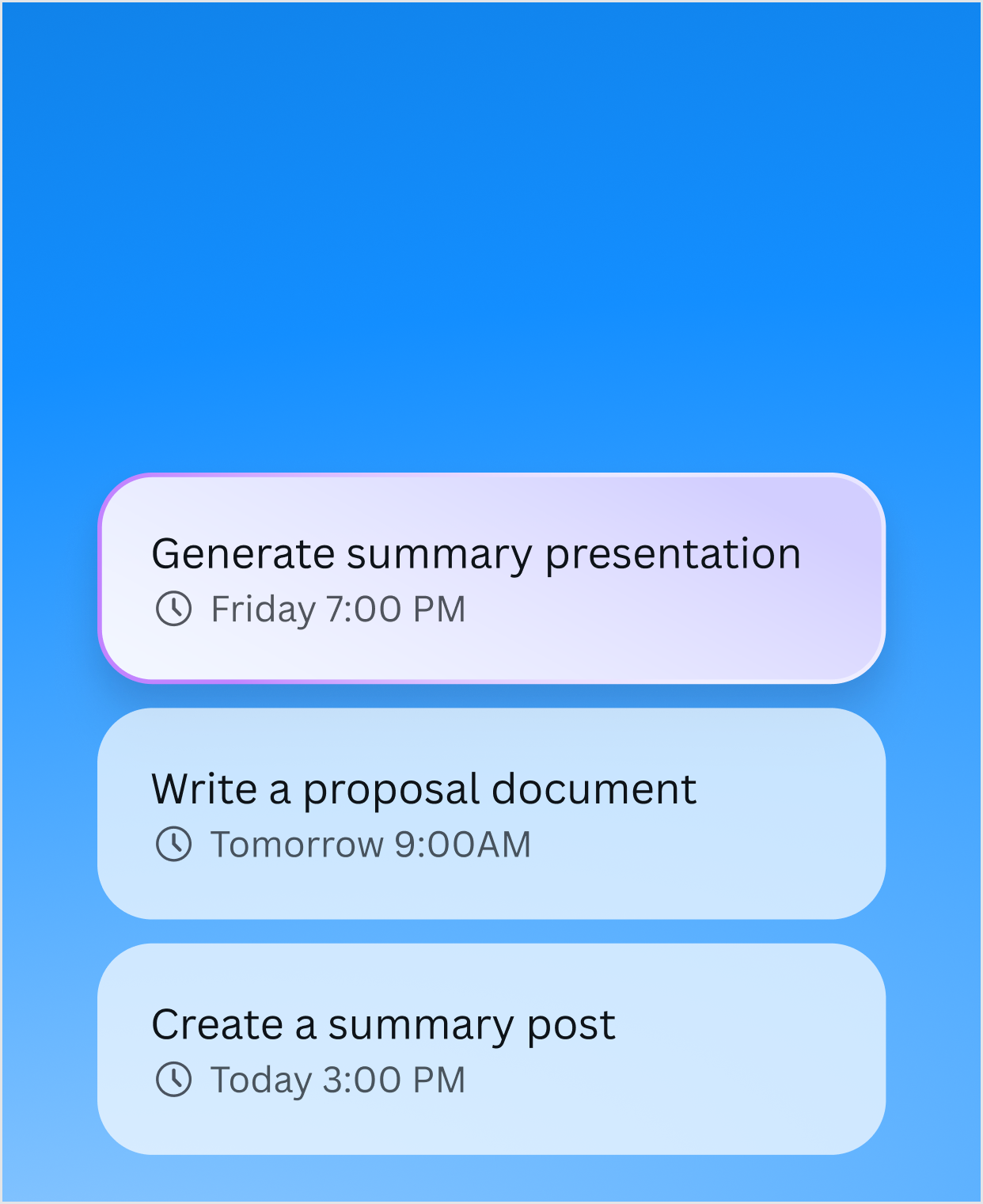
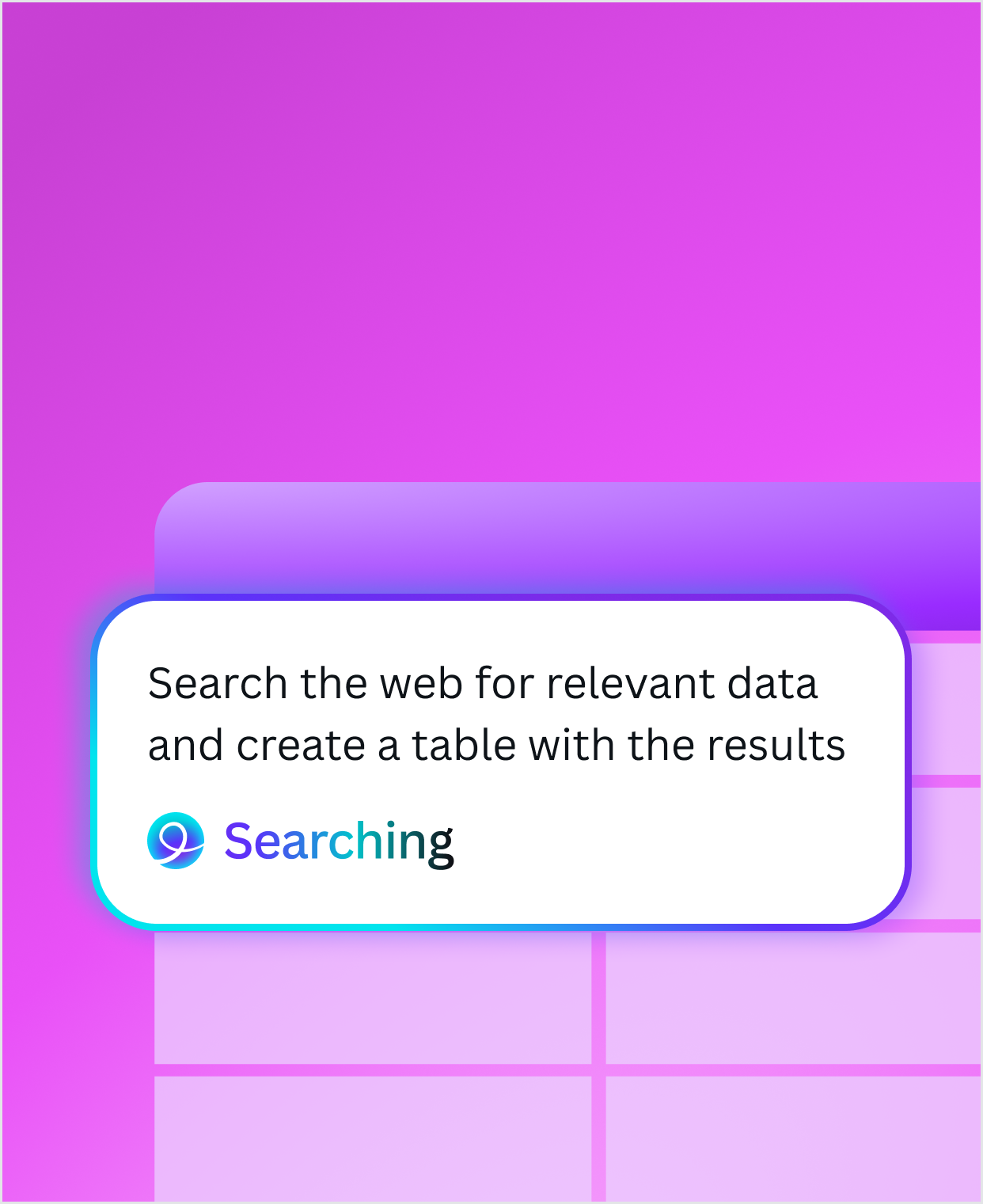
Canva’s AI page describes tasks you can schedule to run later or on a recurring basis, web research that drops findings into a design, and a Memory Library that personalizes output over time, all labeled Coming Soon on the page I read. Already shipped is Canva Code 2.0 (Jul 14, 2026): vibe-coded websites, apps and interactive pages that you edit like a design, with HTML import. Canva claims code generation time dropped by 75% and median prompt-to-published time is 30% faster, and says more than 6 million sites have been coded with Canva Code and close to 1 million new sites are published a month. Those are company claims.
Canva Grow 2.0: ads from creation to reporting
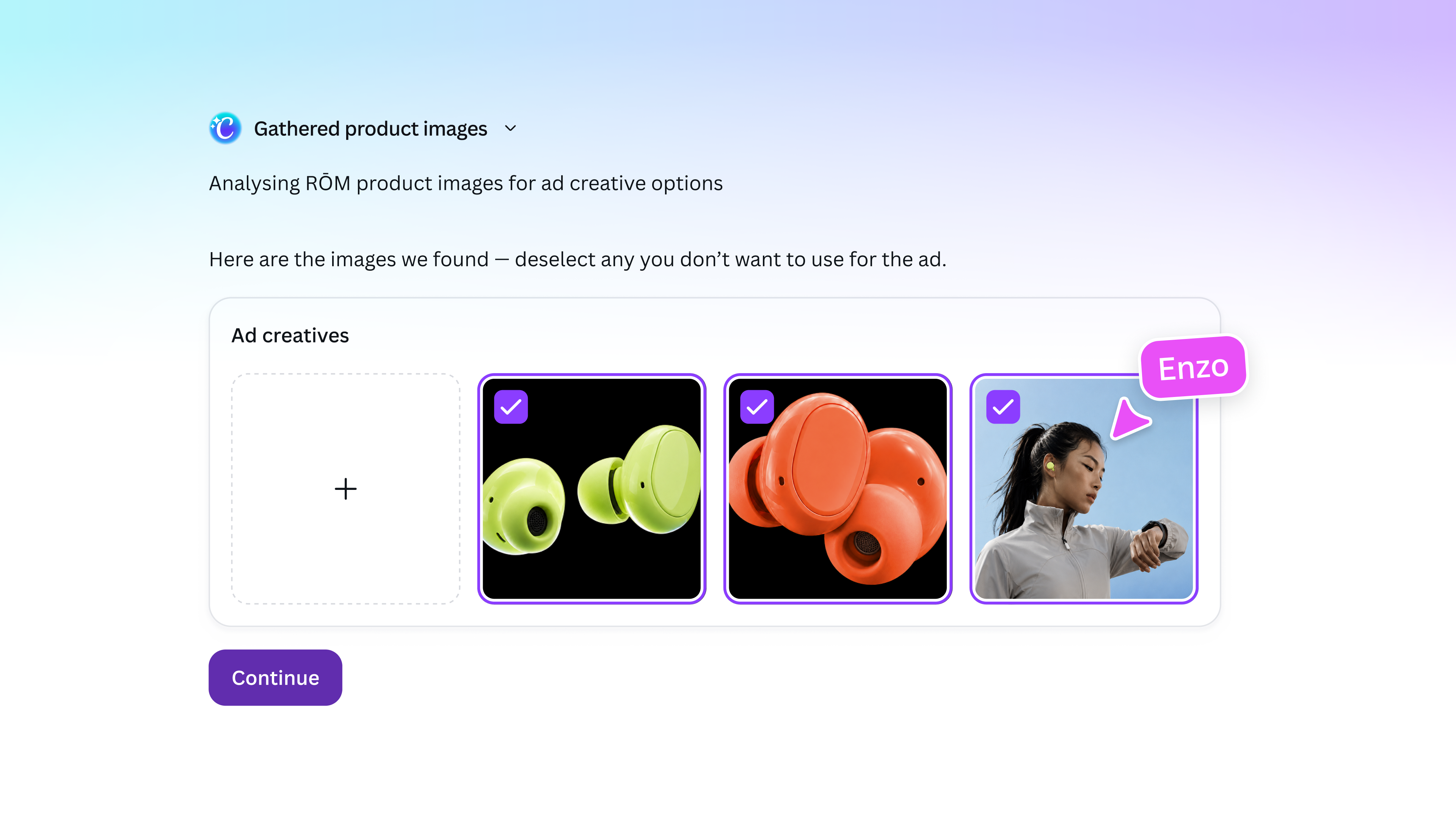
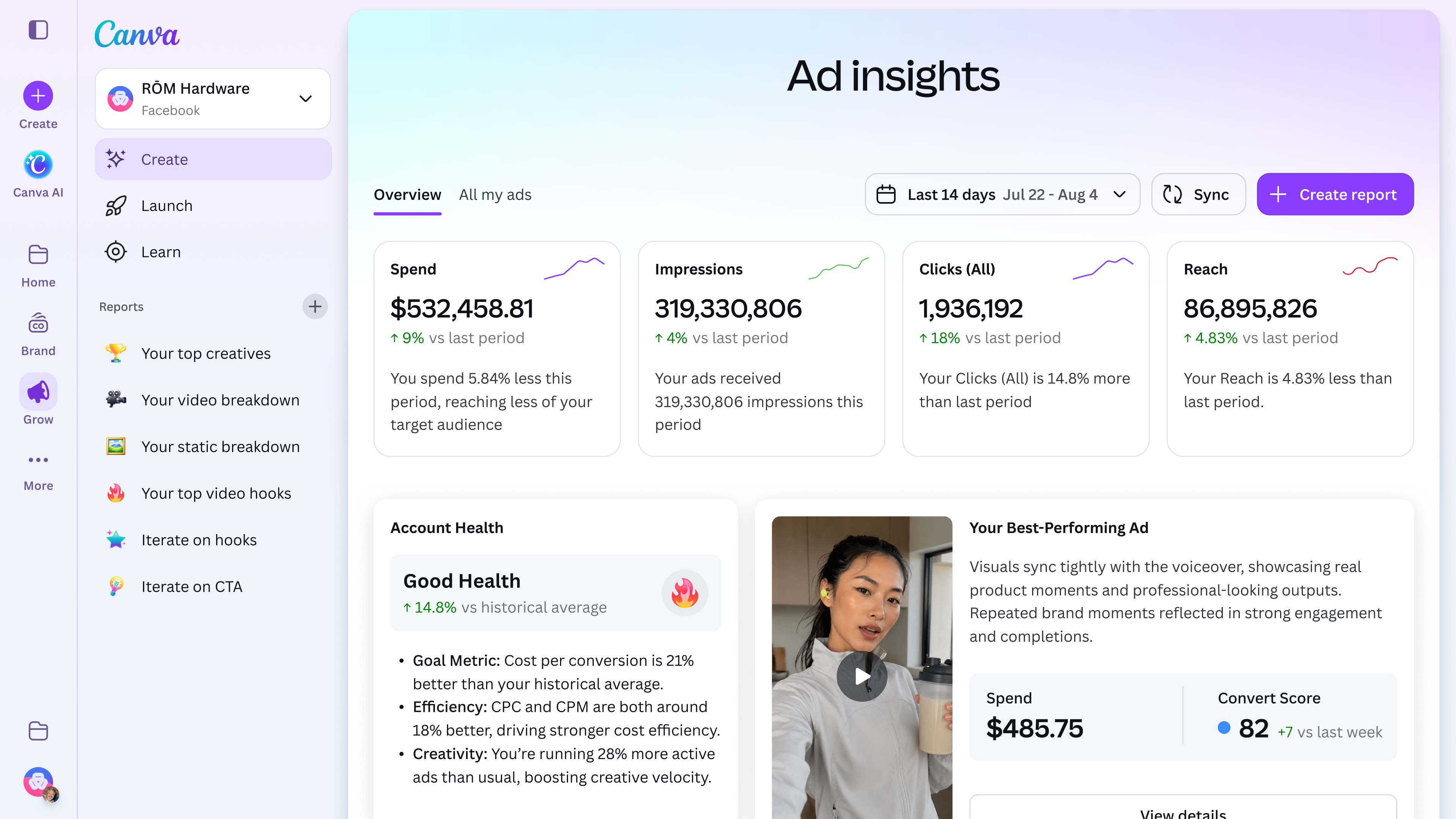
The most concrete “keep doing this” feature is Canva Grow 2.0, unveiled at Cannes Lions (Canva newsroom, Jun 25, 2026). Canva says you can drop in a website and have Grow pull business information, product visuals and brand colors to generate static and video ads, publish them from Canva to Meta, TikTok and LinkedIn with a Launch Dashboard and Bulk Publish, and read multi-platform Ad Insights and reports that feed the next round of creative. I did not test it, and Canva’s post is a launch announcement, not independent evidence.
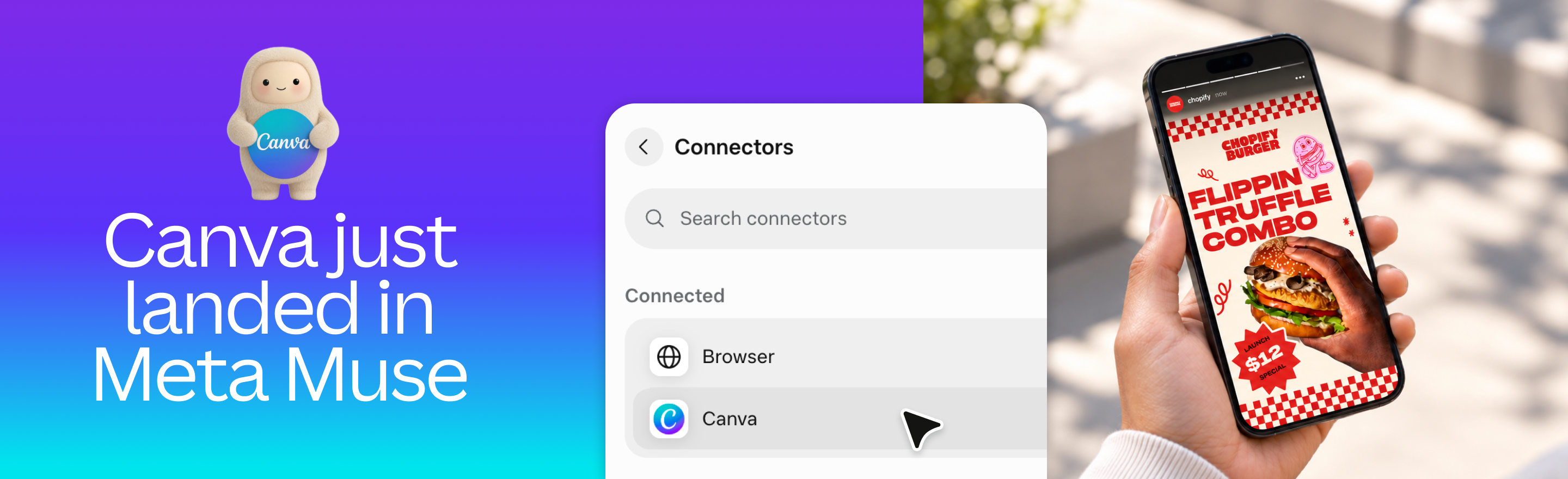
Canva is spreading into other AI assistants: ChatGPT, Claude, Gemini, Copilot and Meta Muse.
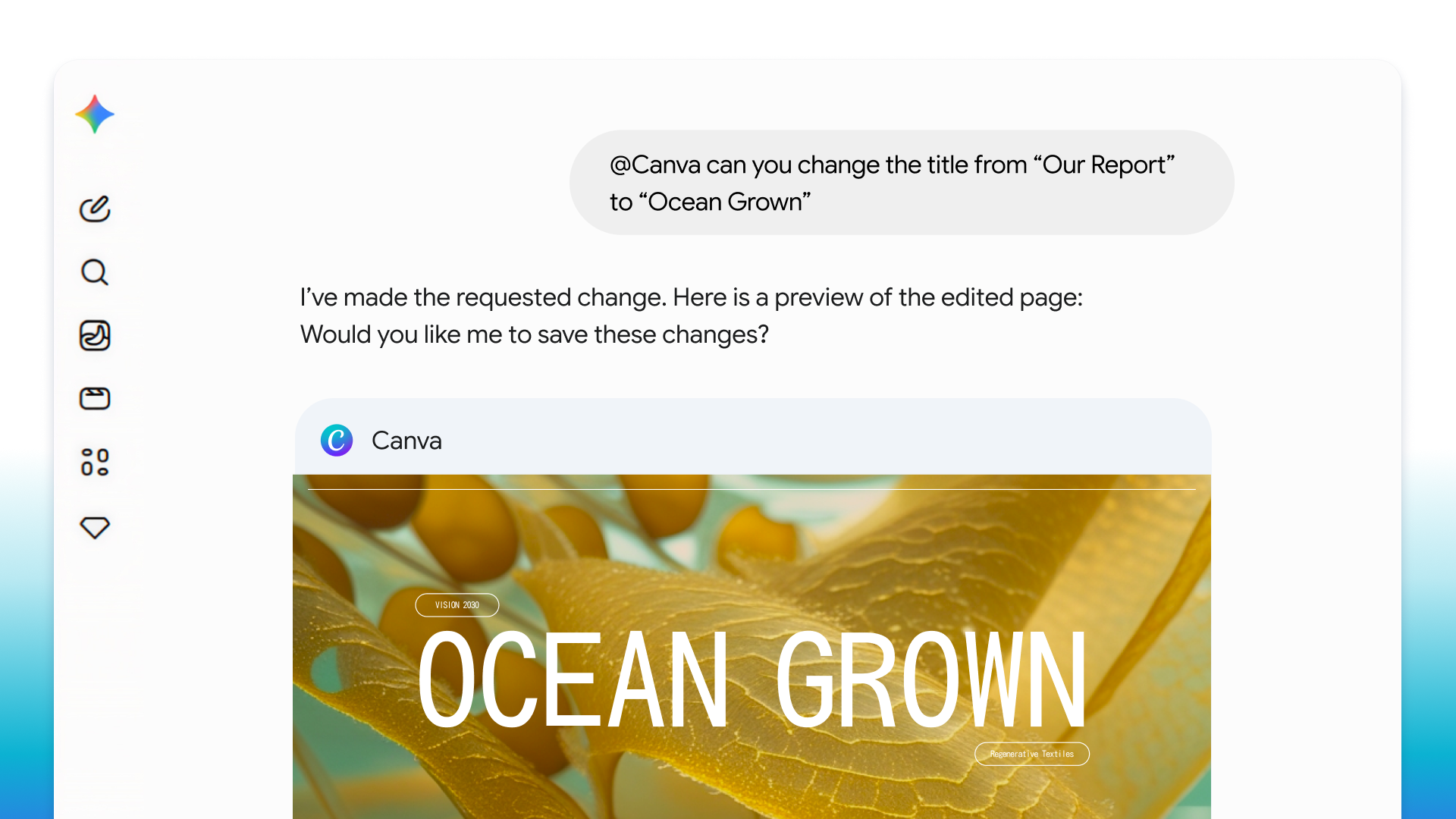
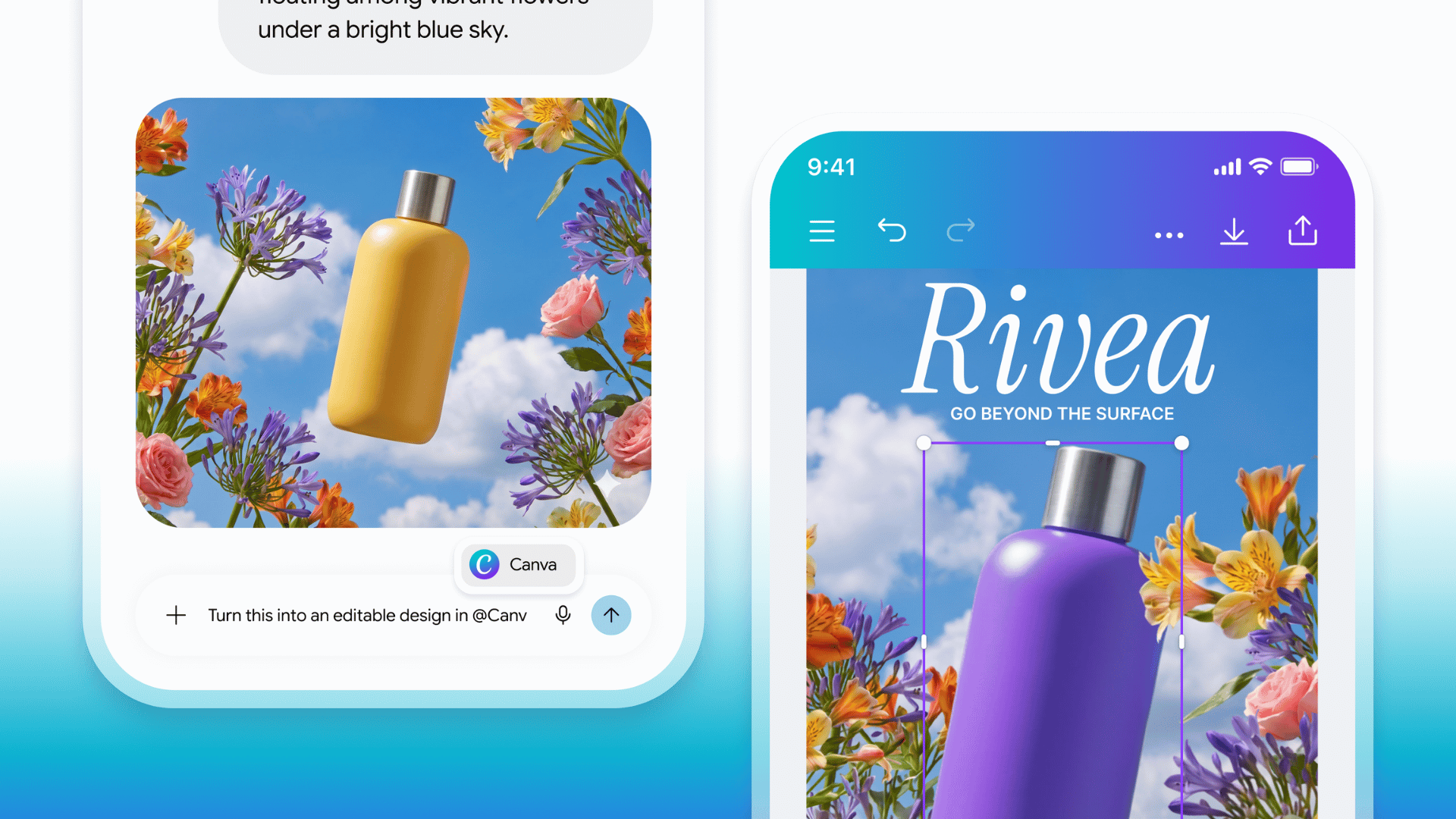
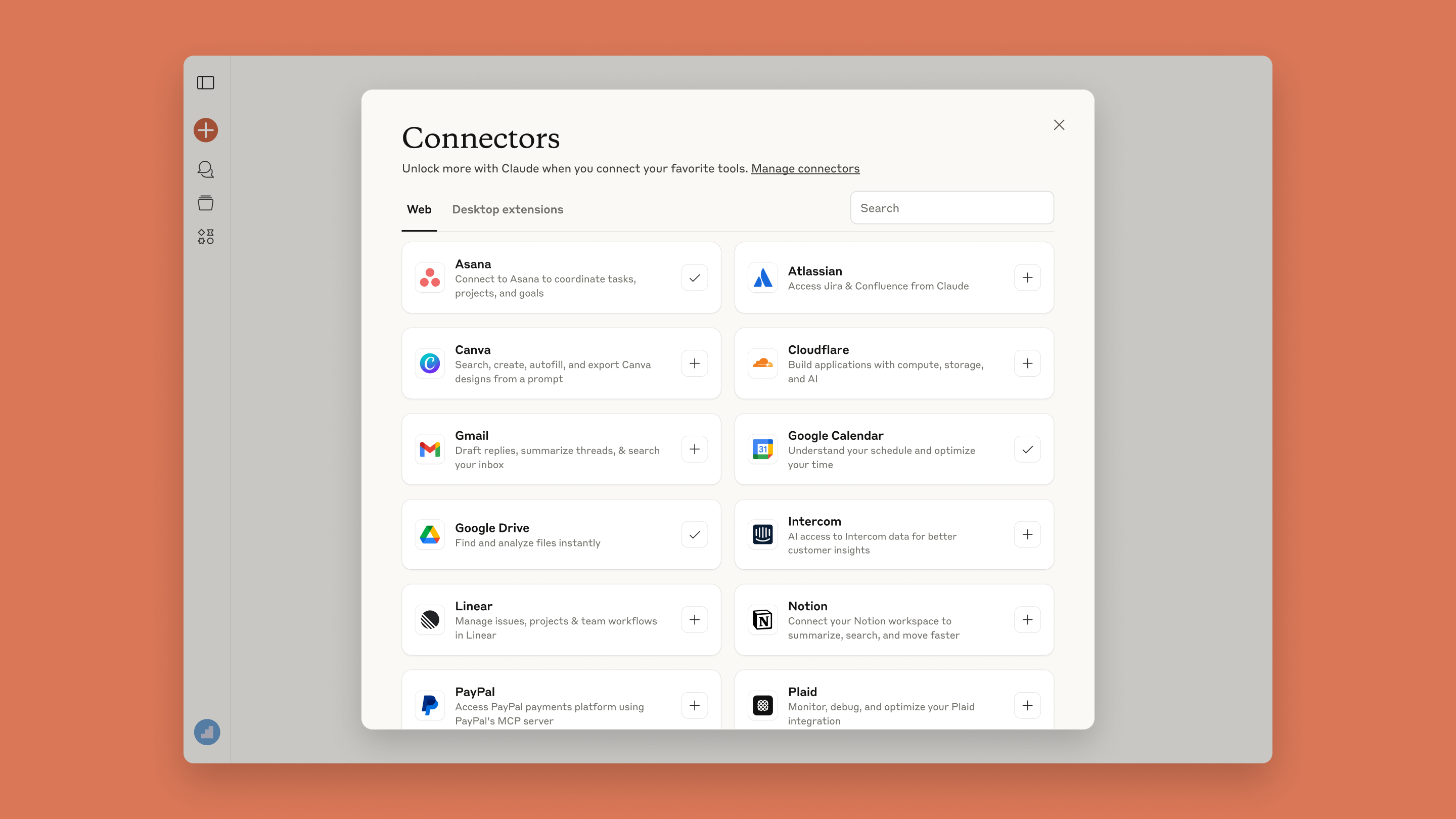
Canva’s help center says you can connect ChatGPT, Claude, Gemini and Microsoft Copilot to Canva through its AI Connector, available on all accounts including Free; some actions, such as using Brand Templates, need a paid plan. On Sep 29, 2026 Canva added a connector for Muse, from Meta. On Jul 16 it expanded design creation inside Google Gemini and AI Search, and on Jun 8 it put Magic Layers inside ChatGPT and Gemini. Team admins can switch the connector off under Controls and Permissions, which stops existing connections. For developers and IT, the Canva MCP server exposes design generation and editing, library search, brand and asset management, export (PDF, PNG, JPG, PPTX, MP4) and comments.
| Integration path | Detail | Source |
|---|---|---|
| ChatGPT, Claude, Gemini, Copilot | Canva AI Connector on all accounts; Brand Templates and some actions need a paid plan; admins can disable | Canva Help Center |
| Meta Muse | Connector announced Sep 29, 2026: create, search, brand assets and export from Muse | Canva newsroom |
| Canva MCP server | Remote MCP server for design creation, editing, discovery, brand management, export and comments | canva.dev/docs/mcp |
| Apps and API | Apps Marketplace and Apps SDK on all plans; custom apps for Enterprise | canva.com/pricing |
| Affinity and Claude | Affinity has a Claude AI connector for batch edits and print prep | Canva newsroom, Sep 16, 2026 |
For how MCP connectors behave in practice, see our Claude MCP & Connectors guide, the ChatGPT review and the Gemini review.
One shared AI allowance, three tiers of tools, and an add-on for heavy users.
Canva sorts AI tools into Standard, Premium and Ultra. On paid plans Standard tools (for example Translate and Magic Write, per Canva) are used abundantly without drawing the monthly allowance, subject to fair use. Premium and Ultra tools share a pooled allowance that resets each month: Pro gets up to 200 Premium or up to 20 Ultra uses, Business and Enterprise up to 400 or 40. Canva adds that estimates assume simple tasks, a mix of tools lowers the count, and a free trial gives only the Free allowance. If you run out, you upgrade, buy the AI Pass add-on (Pro and Business) or, on Business, a one-time AI top-up. I could not read the AI Pass price.
| Meter | Free | Pro | Business | Enterprise |
|---|---|---|---|---|
| Price (US page) | $0 | $144/year | $250/year per person | Custom |
| Premium AI uses / month | Up to 20 (shared) | Up to 200 | Up to 400 | Up to 400 |
| Ultra AI uses / month | None | Up to 20 | Up to 40 | Up to 40 |
| Standard AI tools | Count against the 20 | No allowance used | No allowance used | No allowance used |
| AI Pass add-on | No | Yes (40x Pro) | Yes (20x Business) | Not listed |
| AI top-ups | No | No | Yes (one-time) | Not listed |
| Cloud storage | 5GB | 100GB | 500GB | 1TB |
Certifications on every plan, indemnity and admin controls higher up, and a clear warning that AI output is not guaranteed clear.
Canva’s pricing page lists MFA, ISO 27001 compliance and SOC Type II assurance as included on every plan. SSO and SCIM are listed on the Enterprise plan. Its AI page describes Canva Shield: scaled AI controls (granular privacy settings on Free and Pro, org admin controls on Business and Enterprise), advanced privacy and security tools, and indemnification for enterprise customers with more than 100 seats at no extra cost. Canva says it does not use your content to improve AI features unless that is consistent with your privacy controls, and that it pays Canva Creators where Creator content is used to improve its AI, with an opt-out.
The honest caveats are in Canva’s own FAQ: AI output can be used commercially, but you may not have exclusive rights; Canva does not guarantee that AI images, designs or text are cleared for use, especially when output resembles existing works; and AI results may be wrong, so review them. The Magic Layers incident is a real-world example of why that last line matters.
| Question | What Canva says | Caveat |
|---|---|---|
| Certifications | SOC Type II and ISO 27001 on all plans | Reports and scope are for you to request |
| Training on my content | Not used to improve AI features unless consistent with your privacy controls | Read your own privacy settings |
| Commercial use | AI output usable commercially; you own what you create | May not be exclusive; not guaranteed cleared |
| Legal cover | Shield indemnification for enterprise customers with 100+ seats | Not listed for Free or Pro; Business not shown in the table I read |
| Admin control | Admins can turn AI tools and the AI Connector on or off | Business and Enterprise; per Canva FAQ also Teams and Education |
Non-designers, small teams and marketers who need a lot of visual output.
| Your situation | Fit | Likely plan |
|---|---|---|
| Non-designer making social posts, flyers and decks | Strong; templates plus AI in one place | Free, then Pro |
| Solo creator or consultant who needs brand consistency | Strong; Brand Kits and Premium AI | Pro |
| Small marketing team needing approvals | Strong; Business adds Brand Kits, approvals, more AI | Business |
| Professional designer wanting precision tools | Good via ProSuite; Affinity core is free | Free plus Affinity, Pro for AI |
| Company with legal, SSO and indemnity requirements | Possible; governance is an Enterprise story | Enterprise |
| Someone who needs a single art-directed image | Weak; use a dedicated generator | Free, or another tool |
Seven real, current limitations.
A shared allowance of Standard, Premium and Ultra uses; complex tasks use more, and the AI Pass price was not visible to me.
The AI page shows Coming Soon badges while pricing and FAQ describe it as available; I could not confirm what is live per account.
Magic Layers (a public beta in the US, UK, Canada and Australia per Canva’s launch post) replaced “Palestine” with “Ukraine” in a reported design; Canva apologized and added checks, but the risk of silent edits is real.
Trustpilot reviewers in Sep and Oct 2026 describe auto-renewals, refused refunds and hard-to-reach human support; others praise fast chat.
A recent Trustpilot reviewer says everything is increasingly paywalled; Free is limited to 20 AI uses a month.
Canva ties Shield indemnification to enterprise customers with 100+ seats; SSO and SCIM are listed on Enterprise.
Canva is a design suite first; for a single art-directed image a specialist tool usually fits better (JAVIS opinion).
Map your reason for looking elsewhere to a tool.
| If you mostly need... | Compare with... |
|---|---|
| An assistant that also makes images and designs through chat | ChatGPT — ChatGPT review; Gemini — Gemini review |
| Art-first, stylized image generation | Midjourney — Midjourney review |
| Accurate text inside images, posters and logos | Ideogram — Ideogram review |
| Spoken-word video and podcast editing | Descript — Descript review |
| A design suite inside the Adobe ecosystem | Adobe Firefly — adobe.com/products/firefly (official site) |
| AI-generated presentations first | Gamma — gamma.app (official site) |
| Driving design tools from a chat agent | Claude MCP & Connectors |
No affiliate relationship shapes this review.
JAVIS has no affiliate arrangement with Canva, although Canva’s site lists an affiliates program in its community links. Every CTA points to canva.com or a live JAVIS review. This is a VERIFIED EDITORIAL REVIEW: I read official pages, newsroom posts and review sites; I did not build designs or run a controlled test.
Start on the Free plan.
Start free on CanvaCanva’s own pricing page.
canva.com/pricingCanva AI makes most sense next to the assistants, generators and editors it competes and combines with.
If you’re deciding how to add AI to everyday design, these are the six reviews I’d read next.

Questions people are actually searching right now
Is Canva AI free?
Partly. Canva Free includes up to 20 Standard or Premium AI uses a month. Paid plans raise that: Pro up to 200 Premium or 20 Ultra uses, Business up to 400 or 40, with Standard tools not drawing the allowance on paid plans (fair use).
How much does Canva Pro cost?
The US pricing page shows Canva Pro at US$144 a year for one person (about $12 a month) and Canva Business at US$250 a year per person. I could not read US monthly prices, and prices vary by country.
What is Canva AI 2.0?
Canva’s conversational AI for design, introduced at Canva Create on Apr 16, 2026. It covers chat-based design, layered output, brand intelligence, memory, connectors, scheduling, web research and Canva Code 2.0, though Canva’s AI page still marks parts of it Coming Soon.
Can Canva AI be used commercially?
Canva says AI output can be used for personal and commercial projects and that you own what you create, but you may not have exclusive rights and Canva does not guarantee AI output is cleared for use.
Did Canva AI really change the word Palestine?
The Verge reported on Apr 27, 2026 that Magic Layers changed “Palestine” to “Ukraine” in a user’s design. Canva said it fixed the issue, is adding checks and apologized.
Does Canva work with ChatGPT, Claude and Gemini?
Yes. Canva’s help center lists ChatGPT, Claude, Gemini and Microsoft Copilot as supported assistants for its AI Connector, and Canva added a Muse (Meta) connector on Sep 29, 2026. Admins can turn the connector off.
Is Canva safe for companies?
Canva lists SOC Type II and ISO 27001 on all plans, SSO and SCIM for Enterprise, and Shield indemnification for enterprise customers with 100+ seats. Review your own privacy and admin settings.
What is the Canva ProSuite?
A Sep 16, 2026 grouping of Affinity, Cavalry, Flourish and Leonardo with Canva. Canva says the core Affinity and Cavalry apps remain free, with the Canva AI Studio in Affinity unlocked by a premium plan.
Where this came from, and when it was checked.
Pricing and plans: canva.com/pricing (US view via a reader service, Oct 3, 2026; own browser view localized to another currency); App Store listing for in-app purchase list, not used for prices.
Product and AI: canva.com/canva-ai, canva.com/launches, Canva newsroom posts of Jun 8, Jun 25 (Canva Grow 2.0), Jul 14, Jul 16, Sep 2, Sep 16 and Sep 29, 2026 and the Magic Layers launch post, Canva Help Center (Connect Canva to an AI assistant), canva.dev/docs/mcp.
Company claims: canva.com/about (220M+ monthly users, 30B+ designs); newsroom Jul 14 (a quarter of a billion users) and Sep 2 (52B designs, 100M+ presentation users).
Community: trustpilot.com/review/canva.com (4.0, 7,528 reviews, star split as shown); apps.apple.com Canva AI Photo & Video Editor (4.9, 3.6M; exact figure 4.87 from 3,556,883); The Verge, Apr 27, 2026; Hacker News item 47922518. G2, Capterra and Reddit ratings were not available to us and are not used.
Official video: Canva channel, video WJ8Jj44ehWE (Apr 16, 2026).
Fit score method: JAVIS editorial composite of five 20-point criteria — breadth of everyday design and AI in one place 18, AI power and control 13, price and value 15, trust, safety and governance 12, reliability and user sentiment 14 = 72. It is an opinion, not a benchmark.